
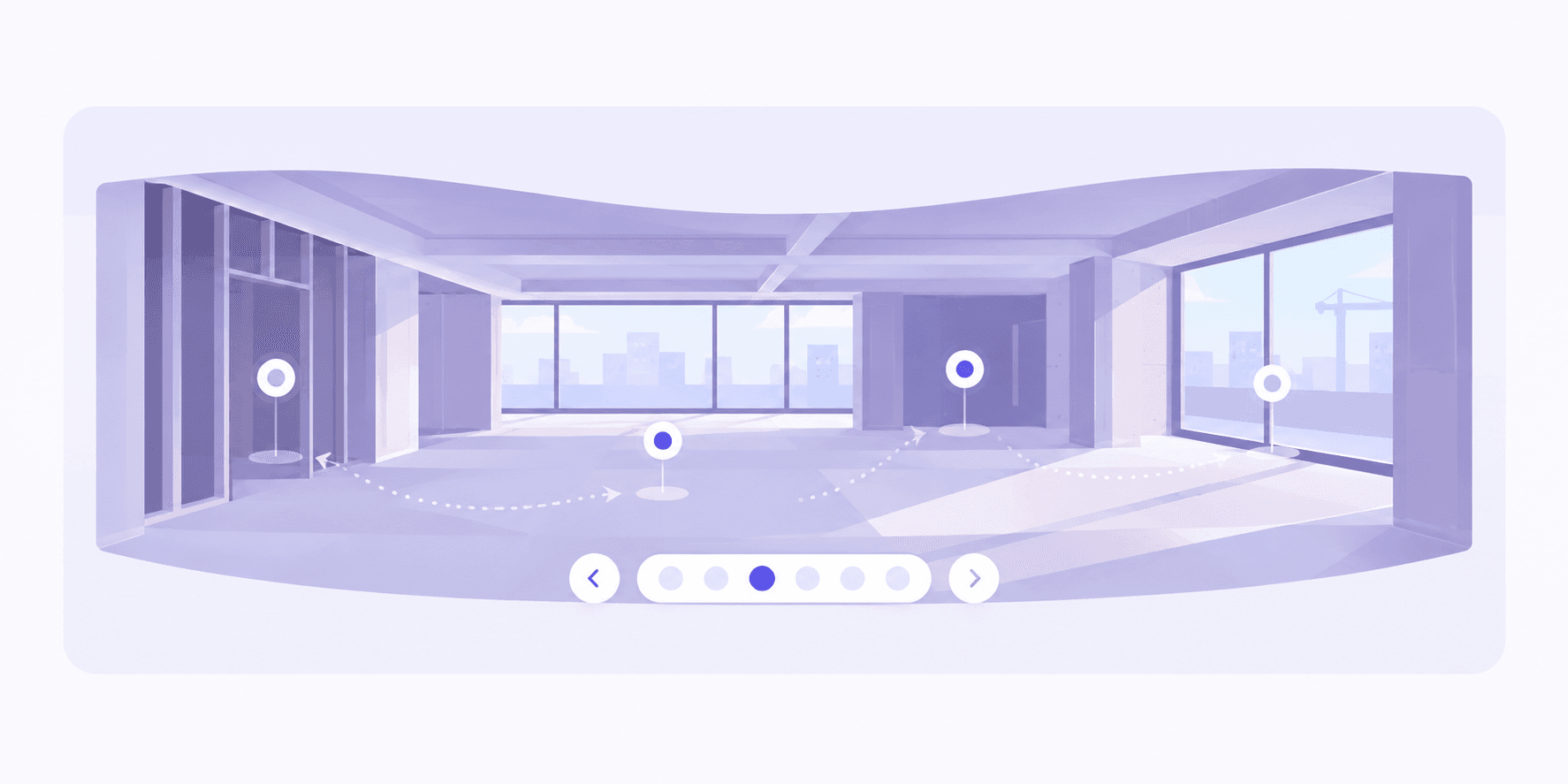
360° tours buyers can walk
Upload equirectangular photos and they become viewpoints — fixed spots a visitor moves between by clicking links you place inside the image.
AeroX360 turns each site visit into a walkable tour, compares the same viewpoint across dates so progress is undeniable, and gives buyers a private link that shows exactly what you published — nothing more.
360°
walkable viewpoints
2:1
equirectangular, any camera
1 link
to share a whole tower
0
buyer logins required
What you get
The same 360° capture feeds both the buyer-facing tour and the construction record — so marketing and site teams stop keeping two sets of photos.
Upload equirectangular photos and they become viewpoints — fixed spots a visitor moves between by clicking links you place inside the image.
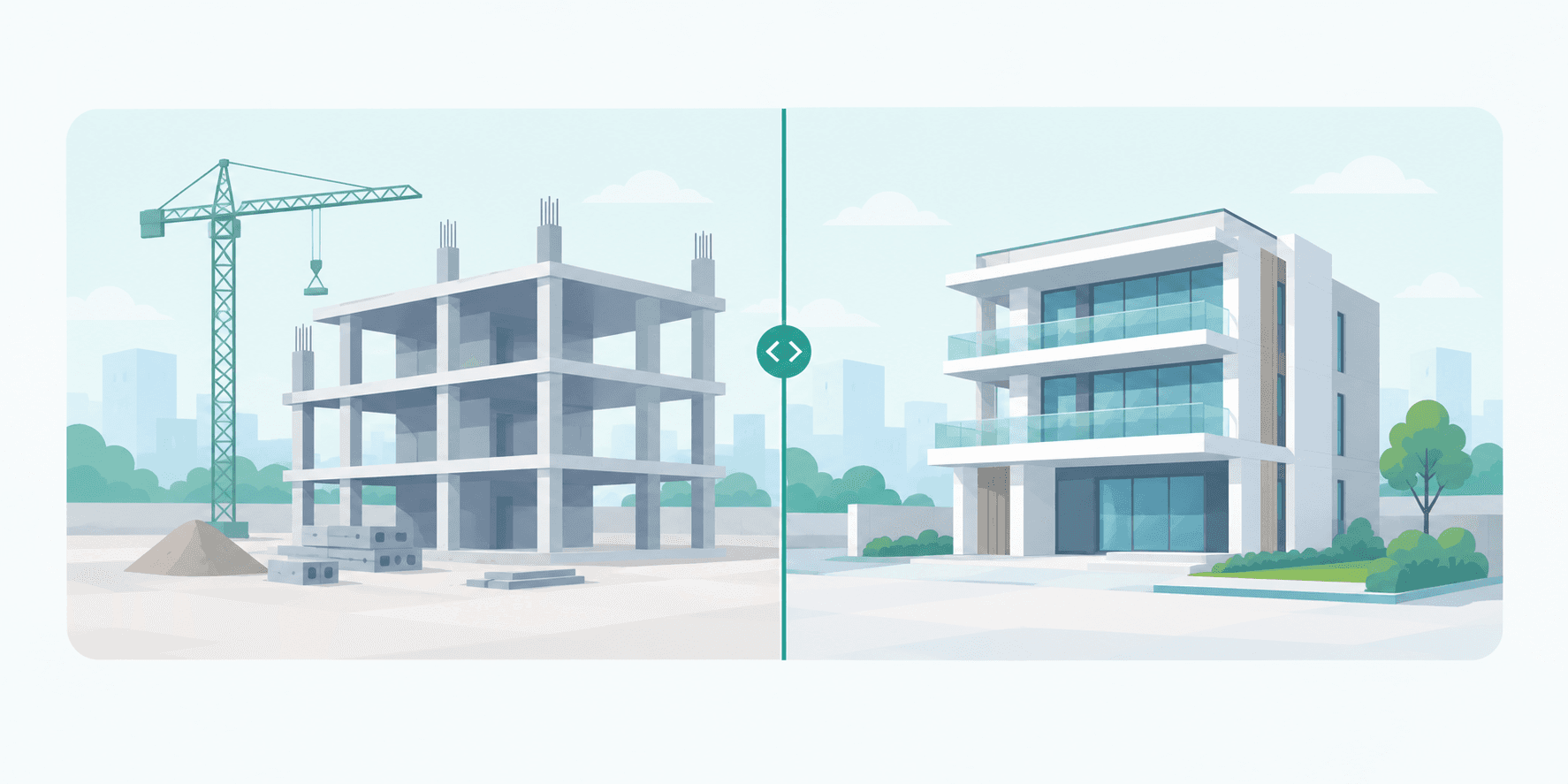
Re-shoot the same spot on the next site visit and compare the two dates side by side, wiped, or faded — with one shared camera across both.
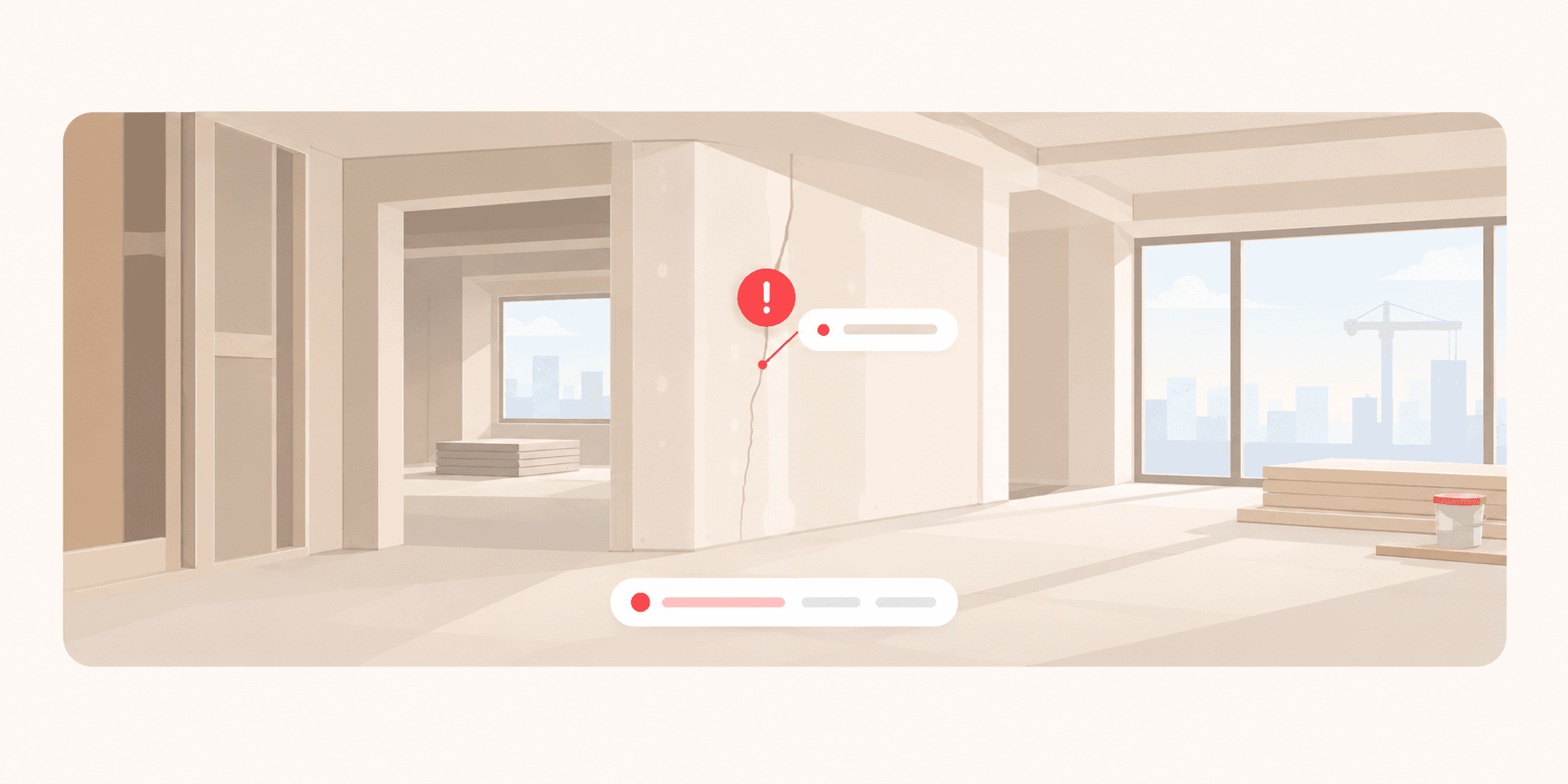
Drop a note at the exact yaw and pitch it was spotted at, promote it to a tracked issue, and it keeps the building, floor and unit it belongs to.
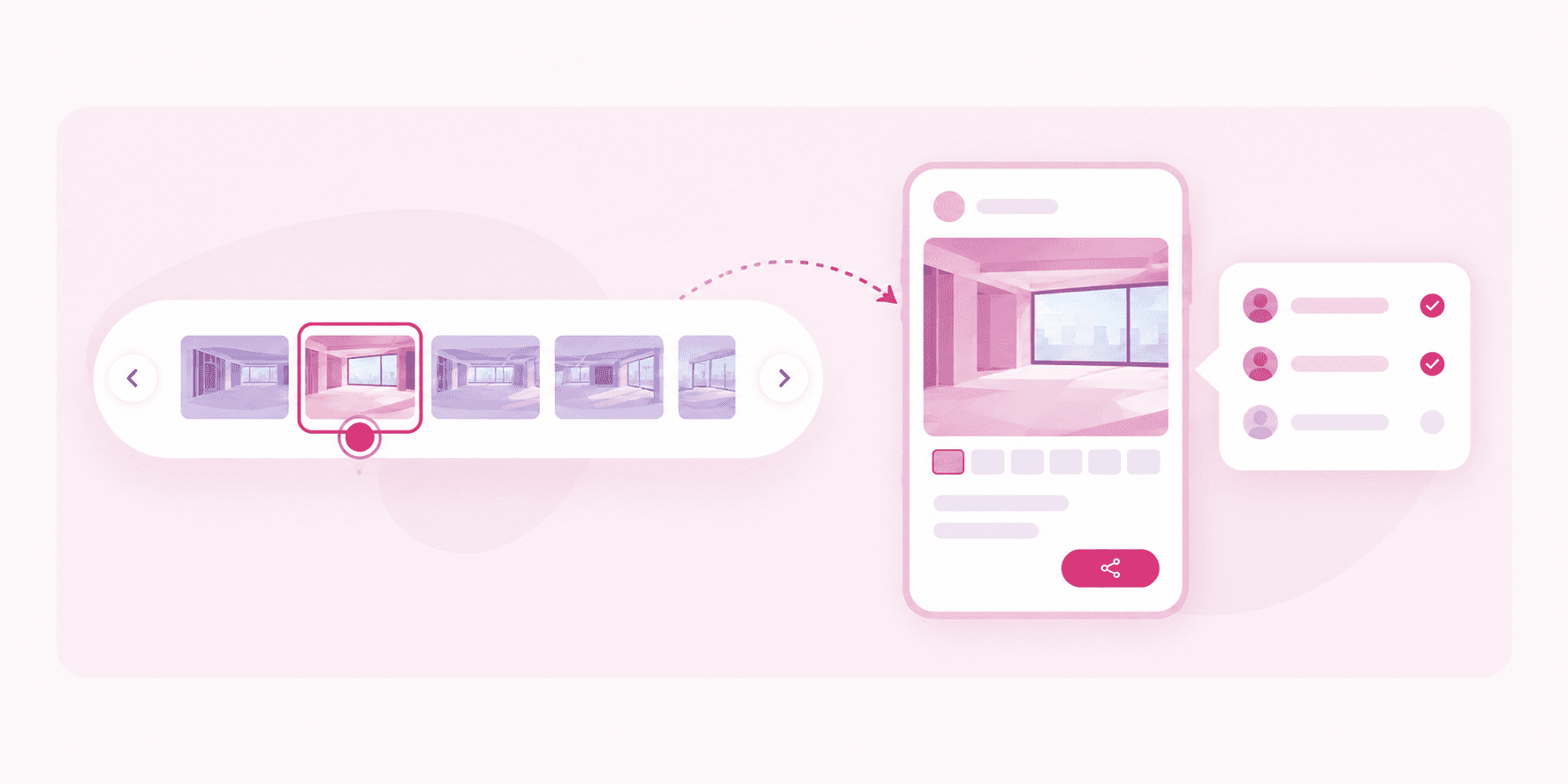
A shared tour is a public link containing only the viewpoints you add to it. Everything else in the project stays private, by construction.
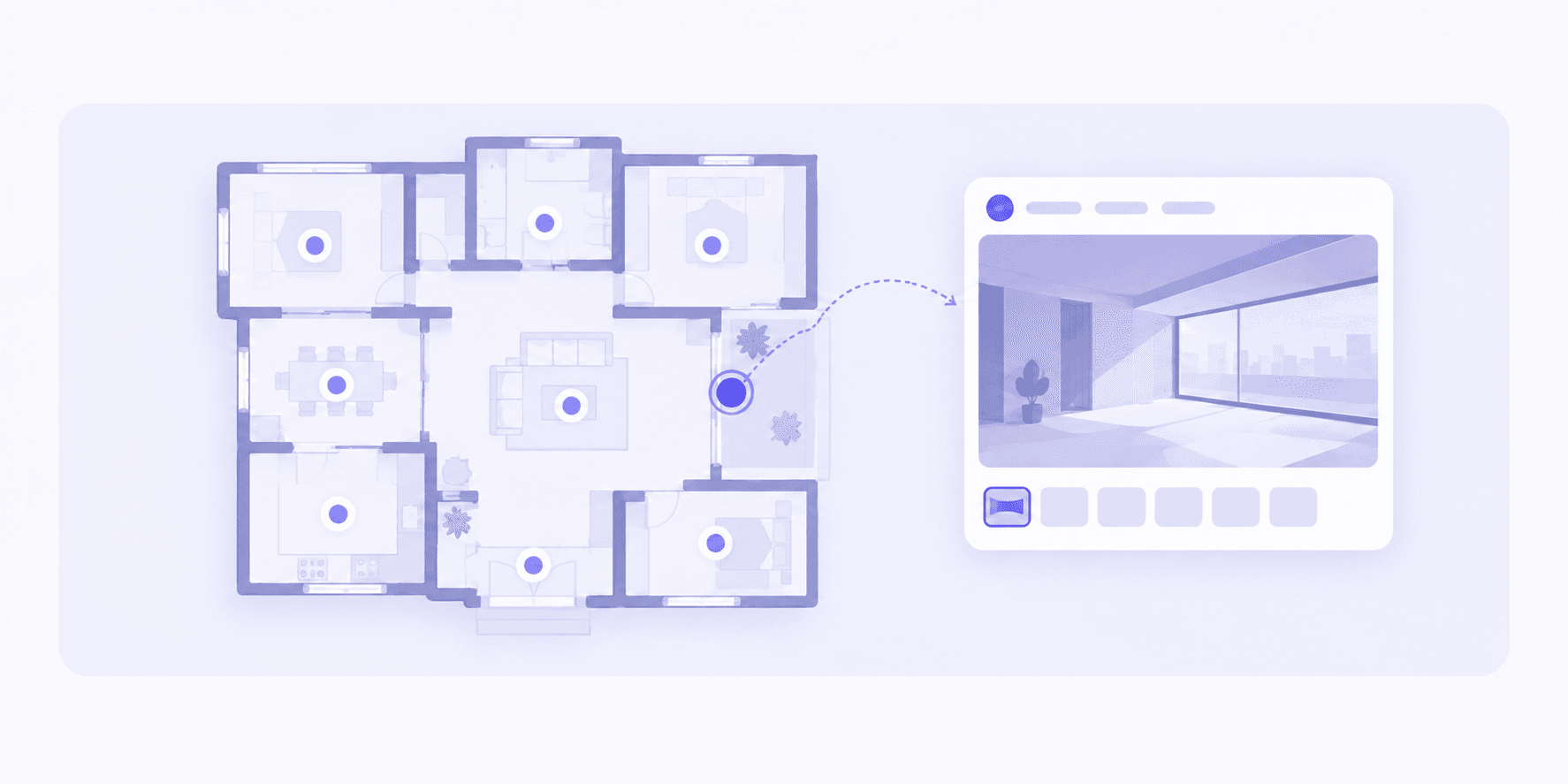
Pin viewpoints onto an uploaded plan. Visitors jump straight into a room by clicking its marker, and see where they are on a live minimap.

Visit and viewpoint counts with dwell time on every shared link — counts only, no IP addresses and no cross-site identifiers.
How it works
Walk the site with a 360° camera. Drag the whole folder in at once — validation, previews and tiling run in the background.
Turn photos into viewpoints, link them together, and pin notes on anything that needs attention. The layout survives future re-shoots.
Pick the viewpoints a buyer should see, add your branding and a call to action, then share the link or embed it in your own site.
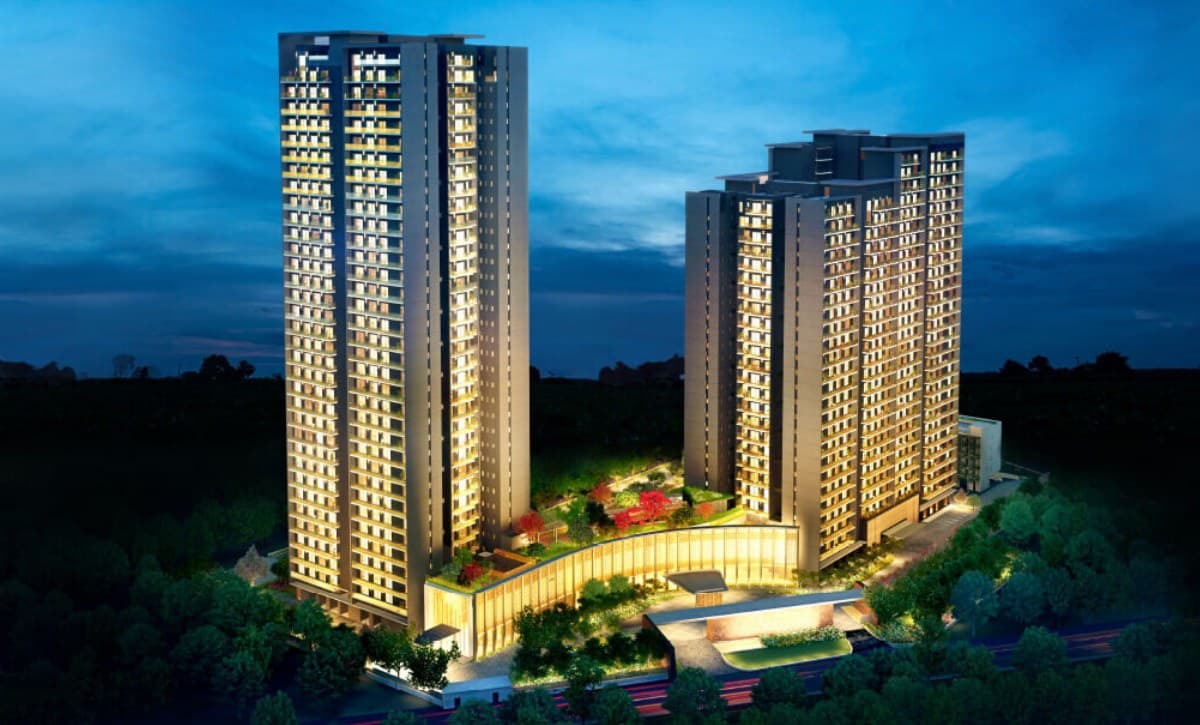
Put a whole portfolio in front of a buyer without a site visit. Each tour carries your branding, a call to action, and an embed snippet for your own website.
Keep a dated, spatial record of the build. When a dispute lands months later, the answer is a viewpoint on a date, not a folder of unlabelled photos.
Create a workspace, upload one folder of 360° photos, and publish a link you can send to a buyer the same afternoon.